Free on the App Store · iPhone
Your whole grocery routine, in one app.
Plan meals with AI, search Kroger store prices, scan barcodes, check ingredients, track what you eat, and shop with a live total. Your budget comes along for the ride.


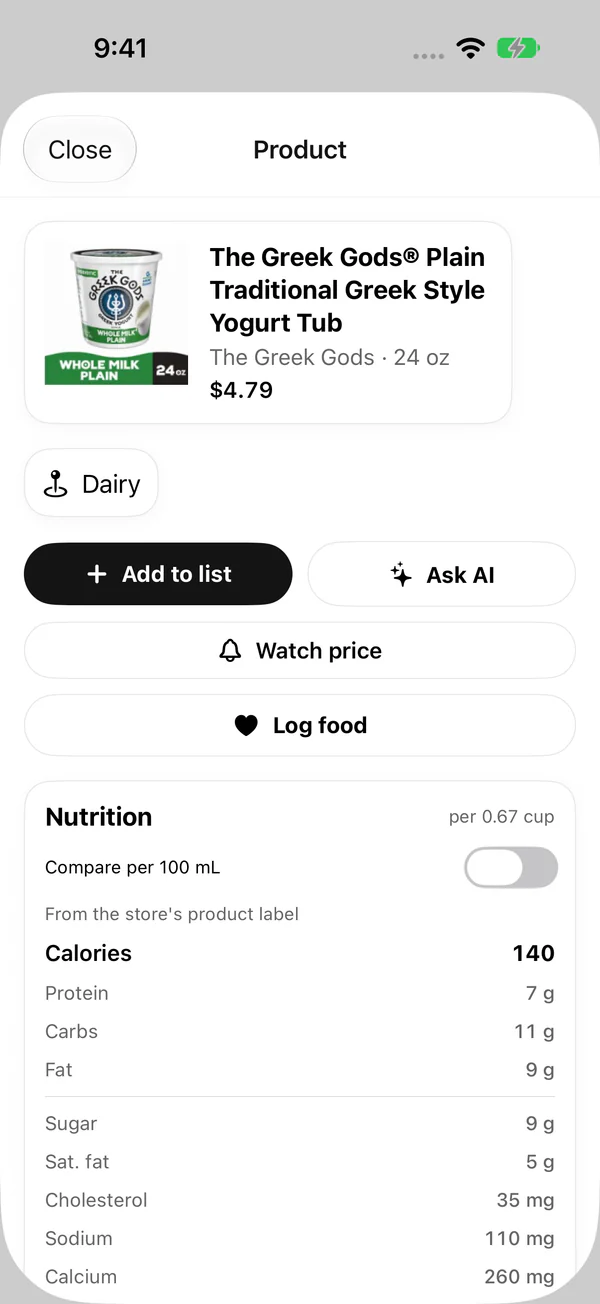
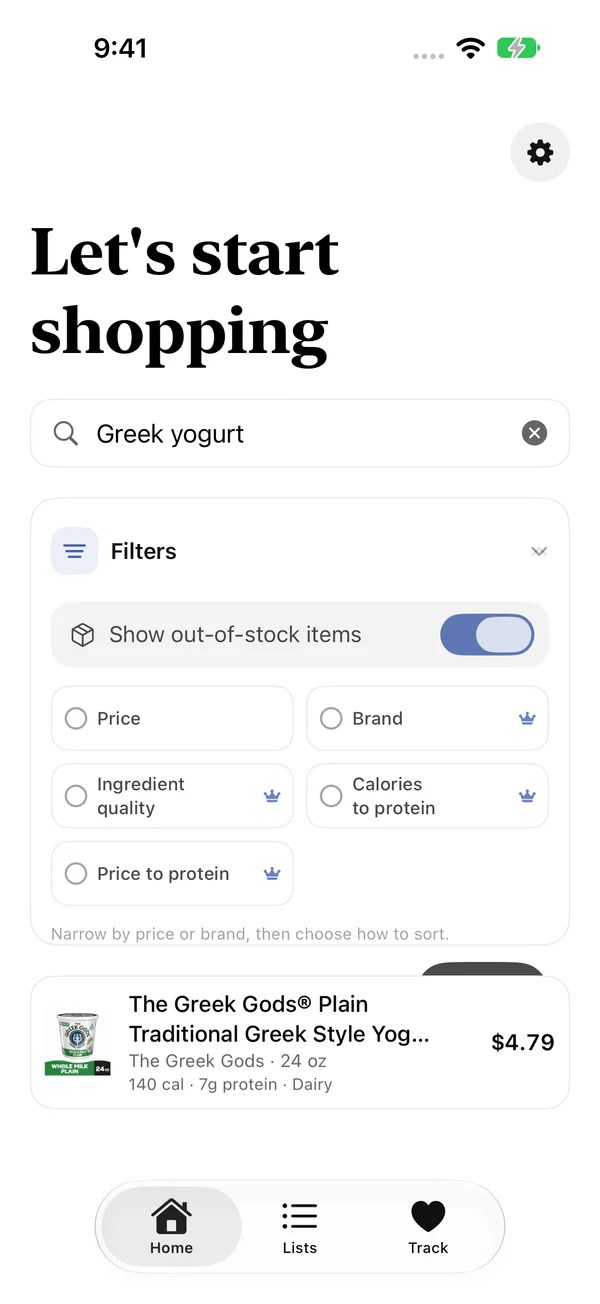
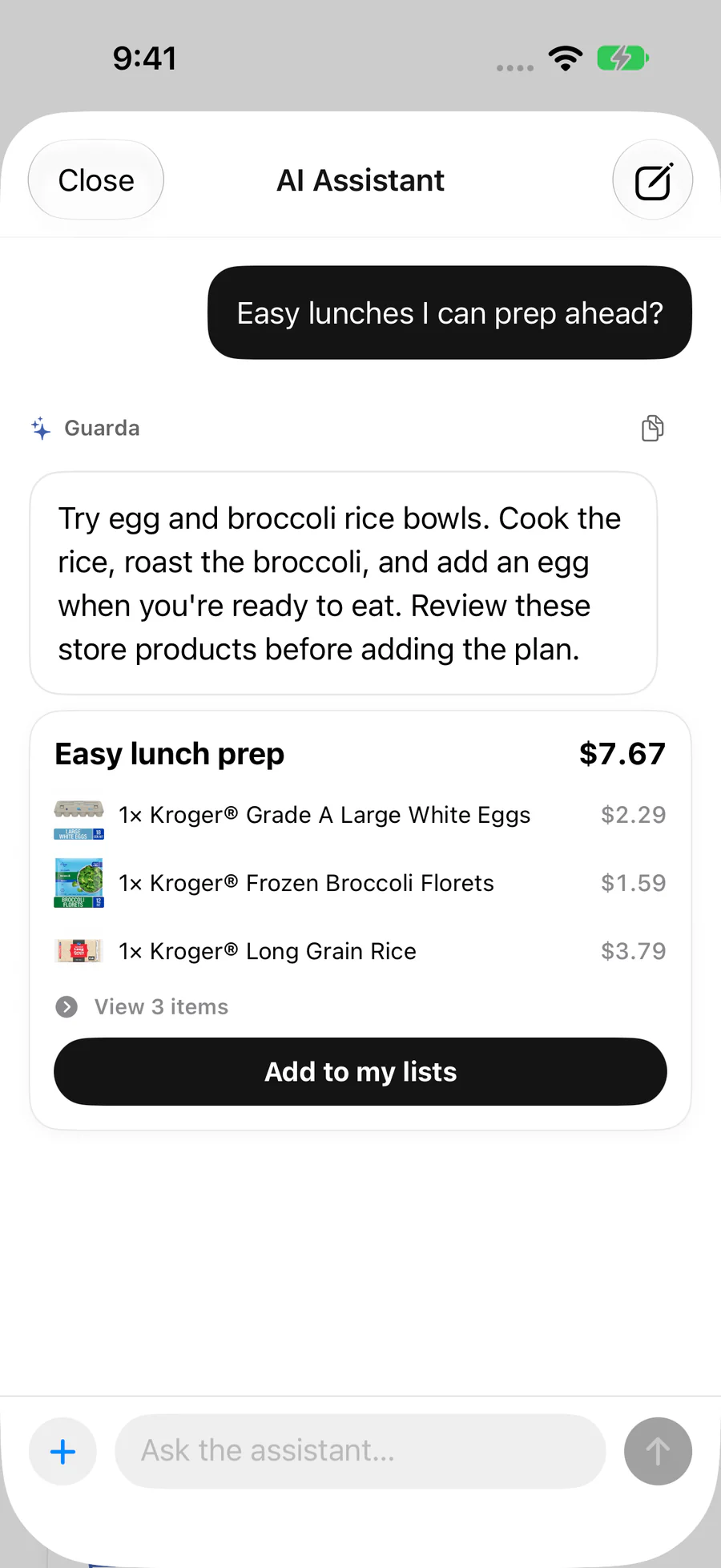
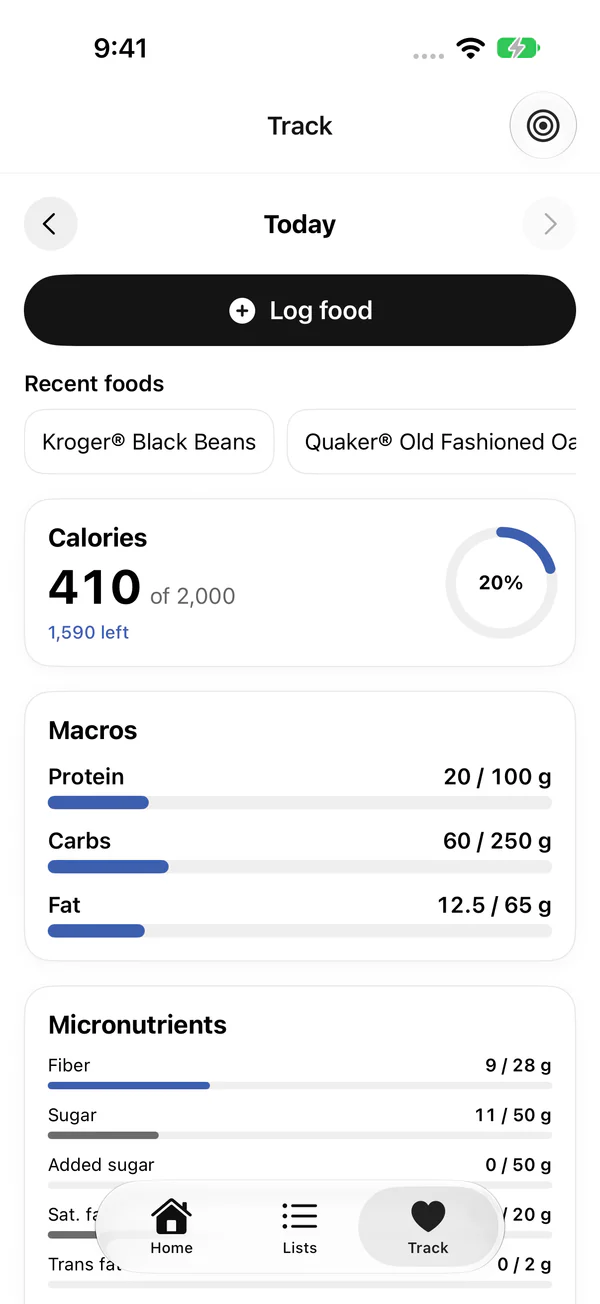
Plan meals with AI, search Kroger store prices, scan barcodes, check ingredients, track what you eat, and shop with a live total. Your budget comes along for the ride.
AI meal plans, recipe ingredients and product picks, built from your store.
Store prices, barcode scanning, aisle order and a shopping mode on your Lock Screen.
Nutrition facts, ingredient alerts, and food tracking down to micronutrients.
A weekly budget, a running total, and a record of what each trip really cost.
Ask for a week of dinners, lunches you can prep ahead, or everything a recipe needs. Guarda's assistant answers with real products from your selected store, prices included, and nothing goes on your list until you say so.
AI suggestions can be wrong, so check them before you cook or buy. Guarda asks before sharing anything with its AI provider.
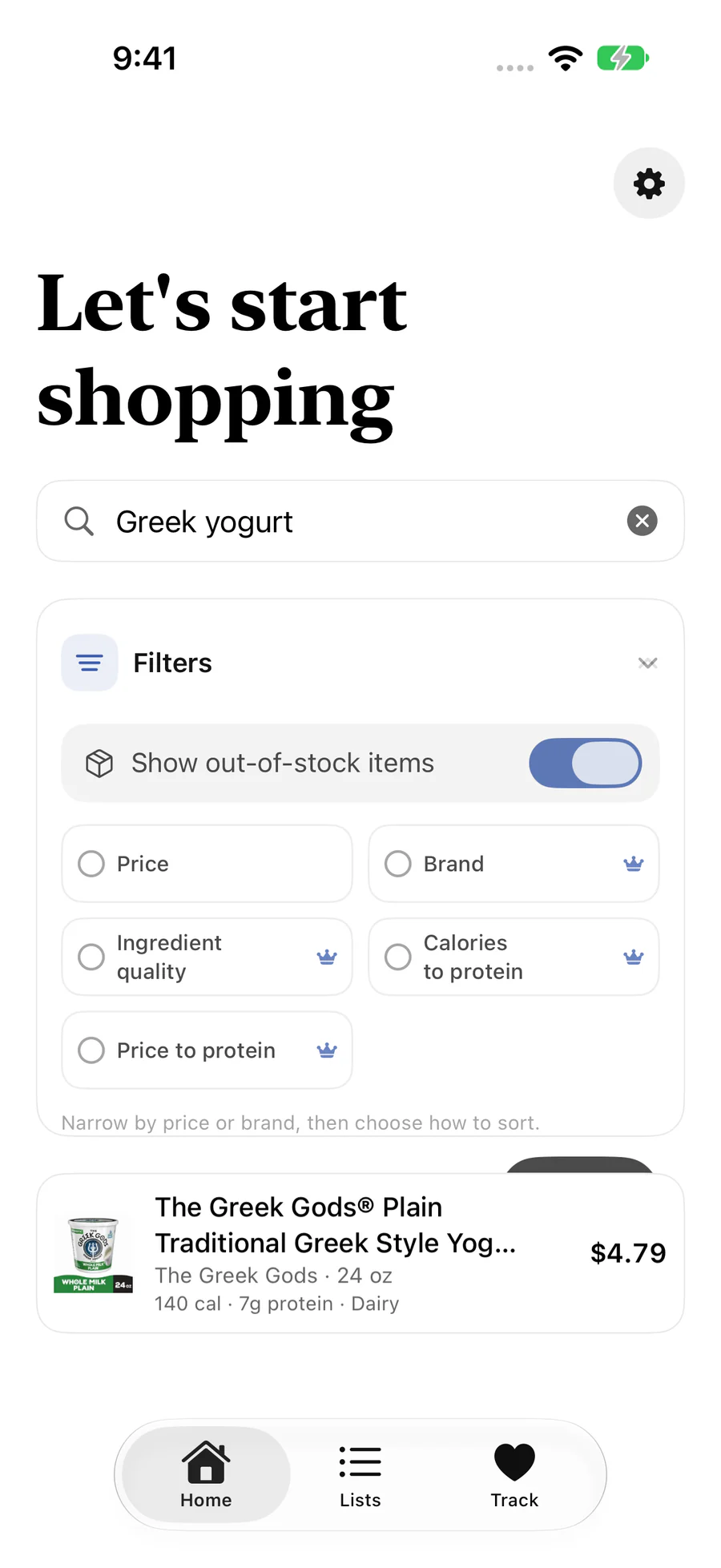
Pick your Kroger-family store and search its catalog with that store's prices, including sale and loyalty-card prices. Point your camera at a barcode to pull up any product in a second.
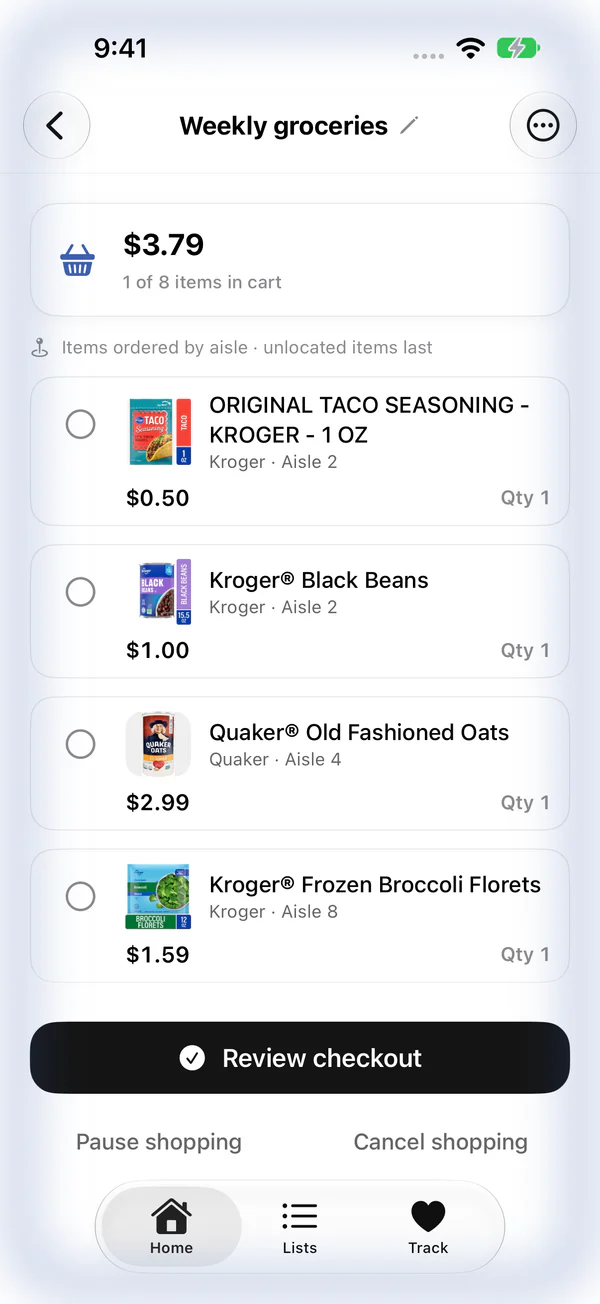
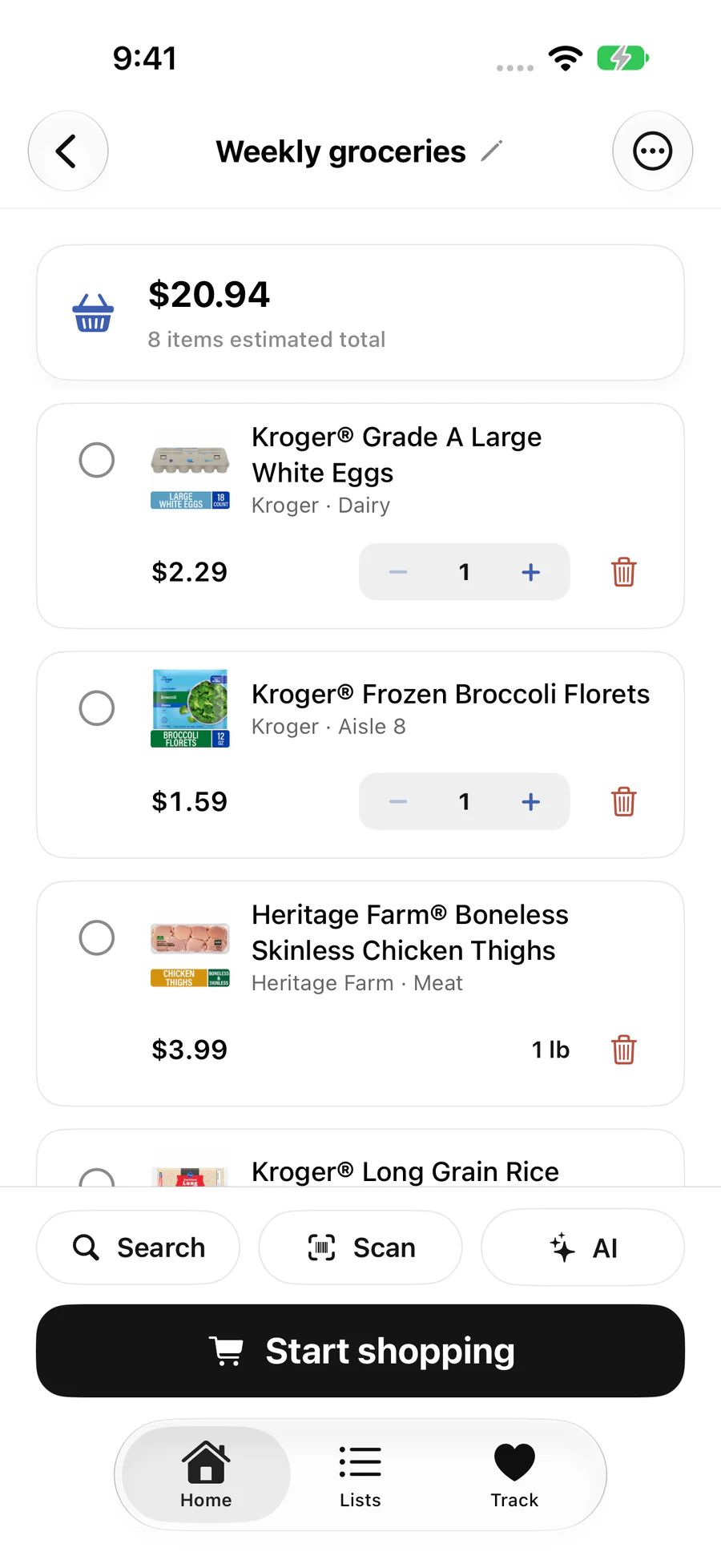
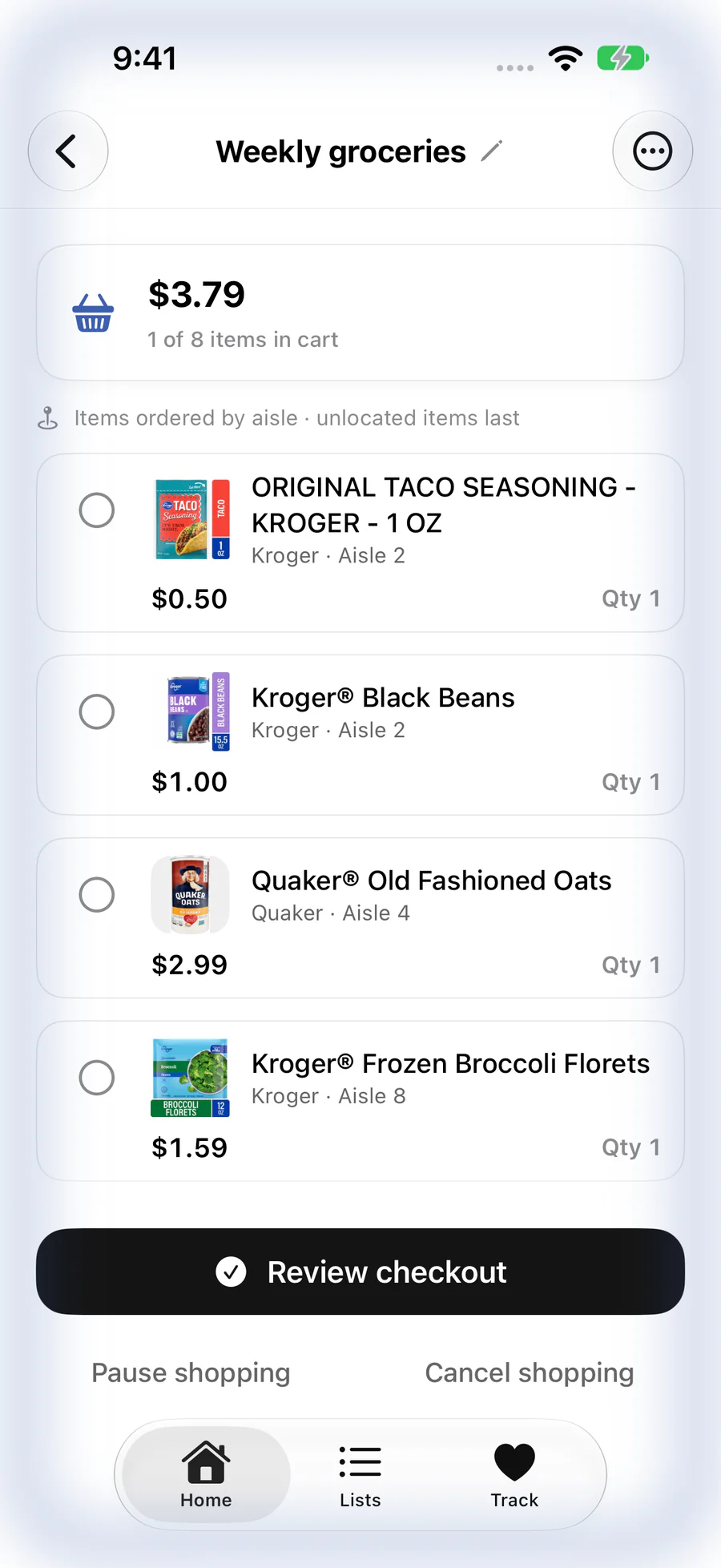
Lists sort themselves by aisle when your store shares that information, keep a running estimate as you add things, and handle items sold by the pound. Tap Start shopping and Guarda becomes a focused checklist with your cart total in view.
Every product opens to its nutrition facts and ingredient list, with a note on where the data came from. Tell Guarda what you avoid, like peanuts, shellfish or milk, and it highlights those ingredients wherever they show up.
Ingredient and nutrition data can be missing or incomplete. Always check the package, especially for allergies.
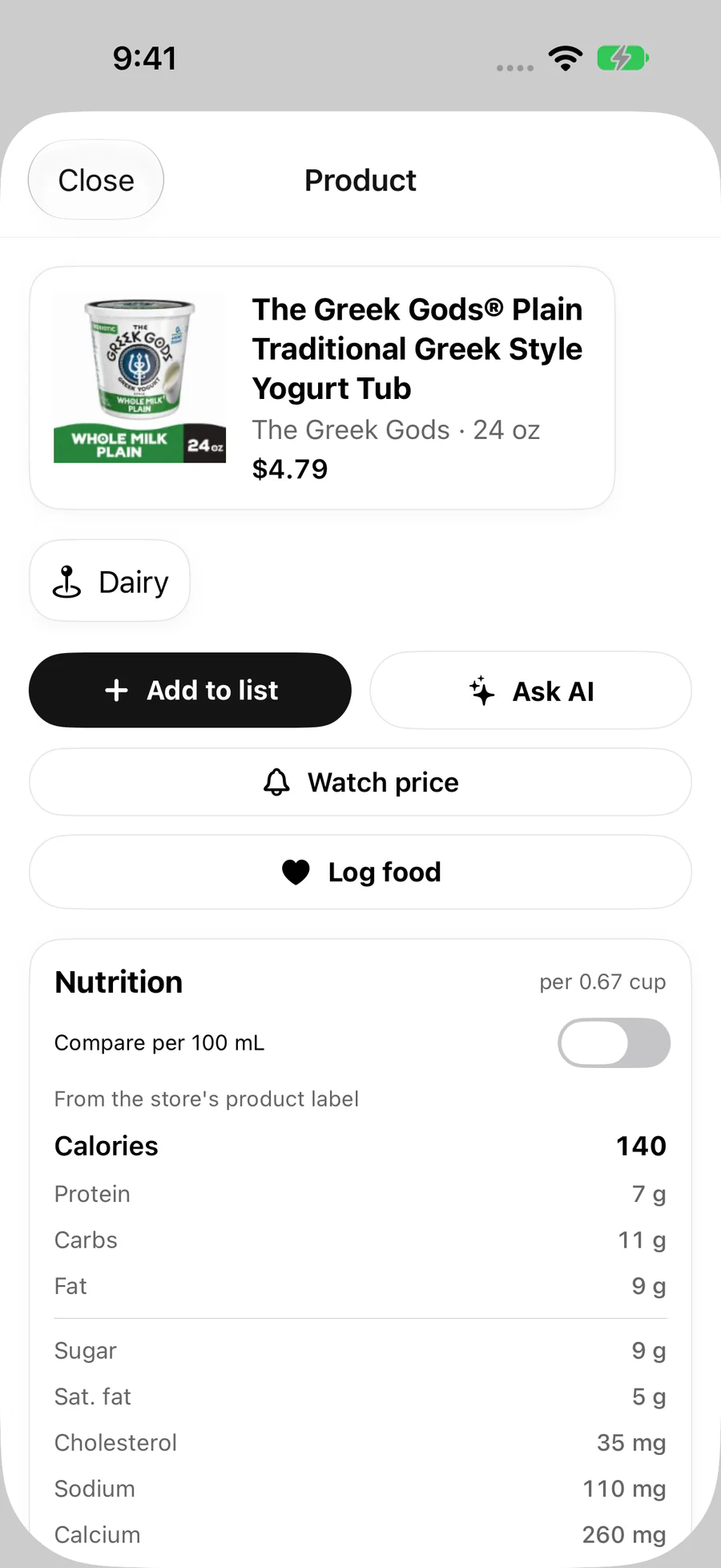
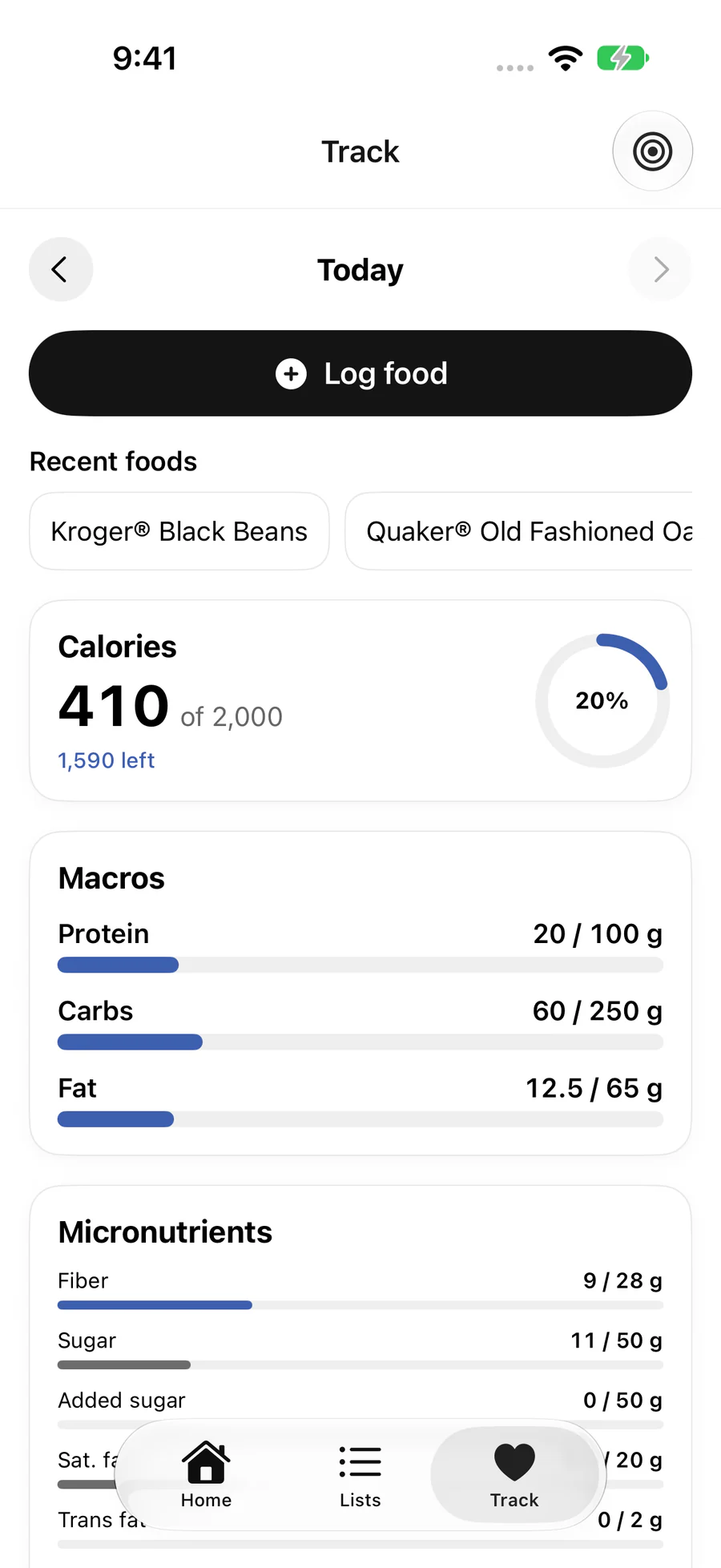
Turn on tracking and Guarda becomes a food log, too. Set goals from your profile, then log what you eat and watch calories, macros and micronutrients fill in through the day.
Tracking is optional. Estimated values are labeled as estimates. Guarda is not medical advice.
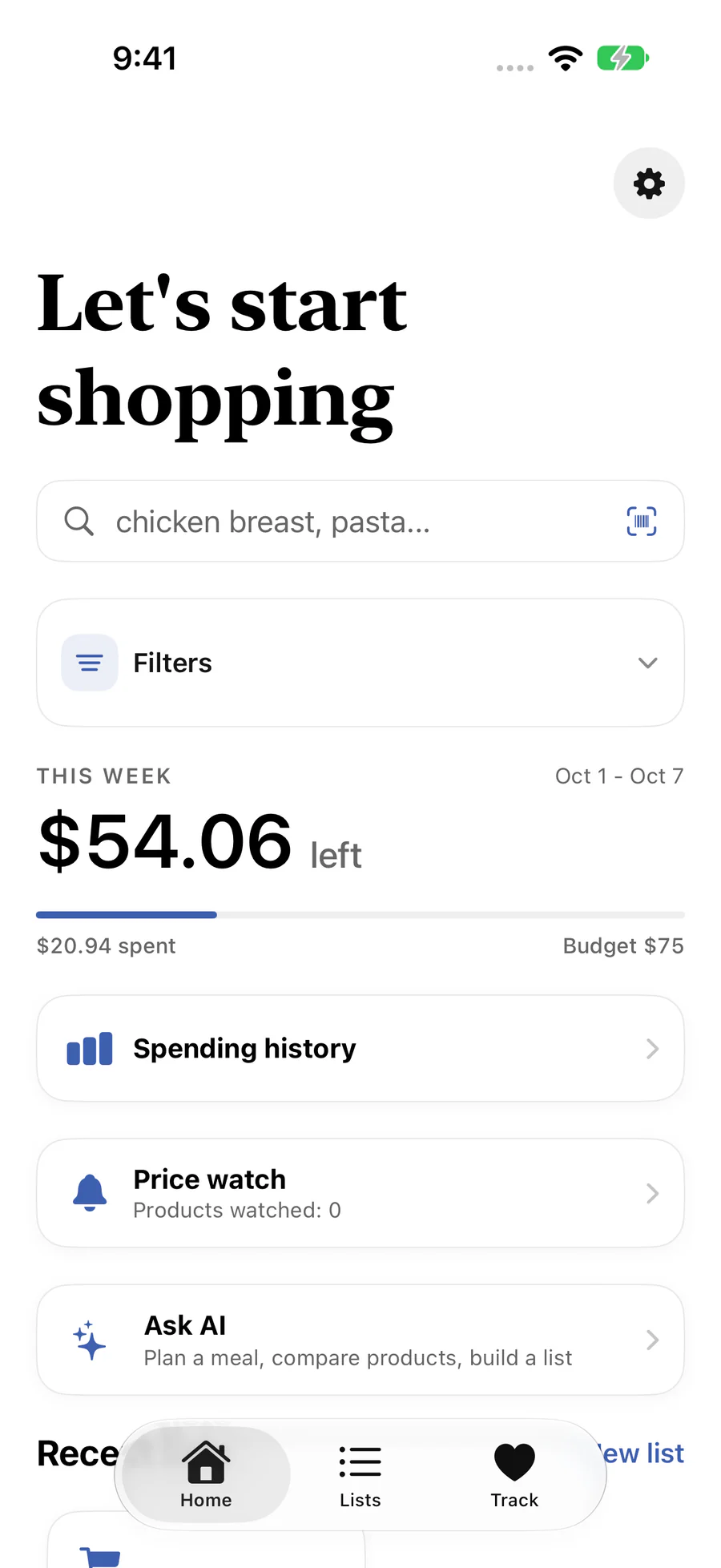
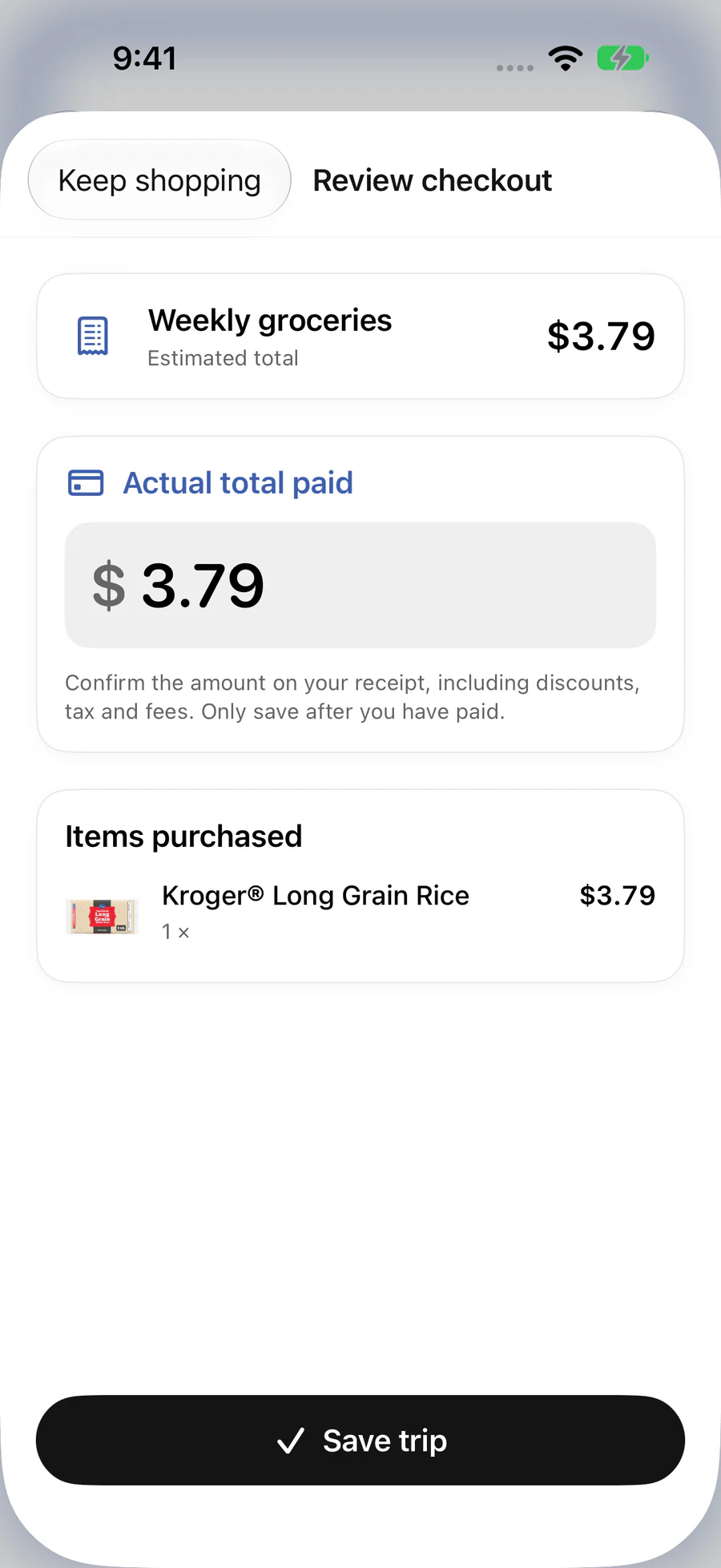
Set a weekly budget and Guarda shows what's left as you plan. At checkout, enter what you actually paid from your receipt, so your history reflects real spending, not guesses.
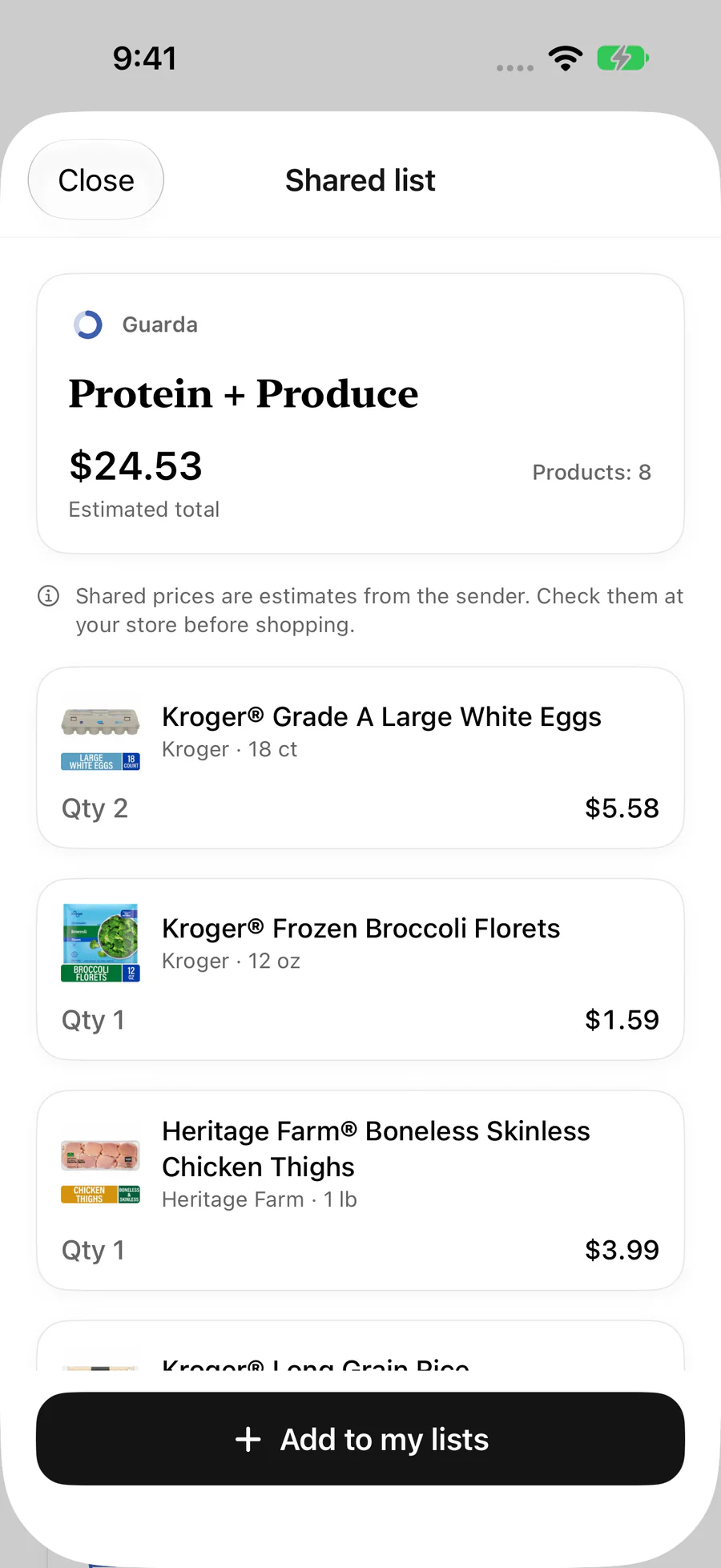
Share a list as a link or an image card. Whoever's doing the run can open it, see the products and quantities, and save their own editable copy in Guarda.
And a lot more
Scan anything in your pantry to see it, log it or add it to a list.
Photograph a plate, add a note, and get an estimated nutrition log to review.
Presets for common allergens plus your own words, flagged on products and lists.
Budget left at a glance, and your list with quantities you can change right on the Home Screen.
Your trip on the Lock Screen and in the Dynamic Island while you shop.
Keep an eye on the products you buy most and refresh their prices at your store. Pro.
Spanish built in, and the app follows your iPhone's language for many others.
Sign in with Apple or email, and your lists, trips and food log follow you.
Produce and meat sold by the pound get estimates that make sense.
What to cook, what to buy, what's in it, and what it cost. One app.
Most people juggle a recipe app, a notes list, a calorie tracker and a banking app to get through one grocery run. Guarda puts all four on the same screen.
Guarda Pro
Everything above is free to use, with limits on AI lists and photo scans. Pro raises those limits and unlocks a few power features.
More AI, price watching, smarter sorting and spending insights.
Subscriptions renew automatically; manage or cancel anytime in your App Store account settings. Pro is an optional in-app purchase. The free plan needs no subscription.
We don't sell your data, we don't show ads, and we don't track you across other apps. Guarda asks before sending anything to its AI provider, and you can turn that off in Settings. Delete your account and your data anytime, right from the app.
Read the full privacy policyFree on the App Store for iPhone. No ads, and Guarda Pro is entirely optional. Requires iOS 18 or later.